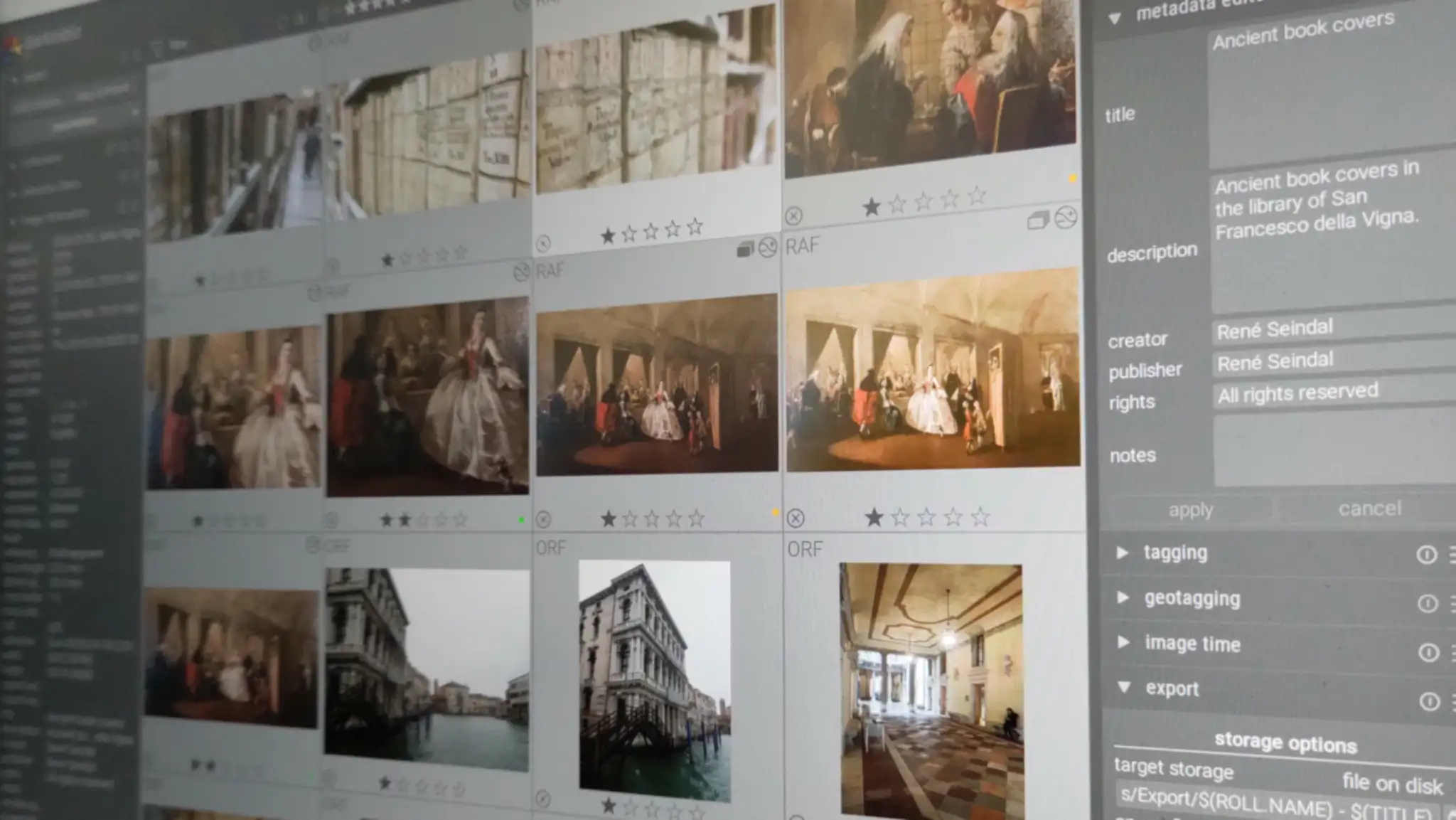
Moving Darktable’s from one place to another was surprisingly easy.
- Copy all the files to the new location.
- Edit darktablerc, changing all occurrences of the old path with the new.
- Delete library.db
- Open darktable (I use –configdir and –cachedir for various instances)
- Import all the photos from the archive, without copying the files.
- Enjoy!
The file library.db contains all the photos, but the same data is in the sidecar files, which are read during import.
Styles, presets and all the other things, are in either data.db or darktablerc.
The file data.db might contain some paths, such as defaults for various widgets.
Leave a Reply